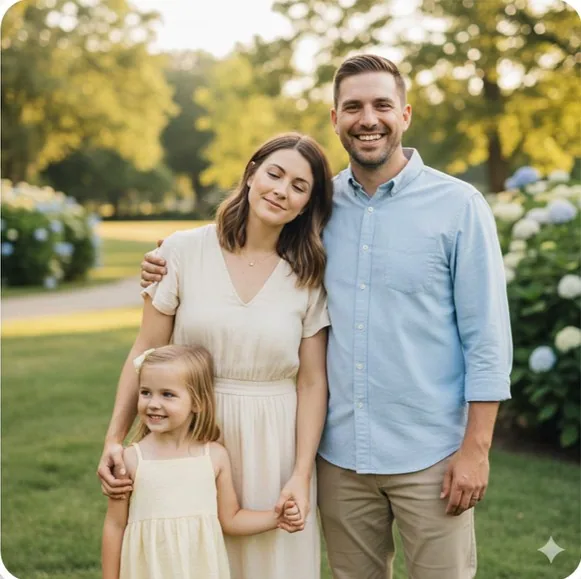
Mom blink
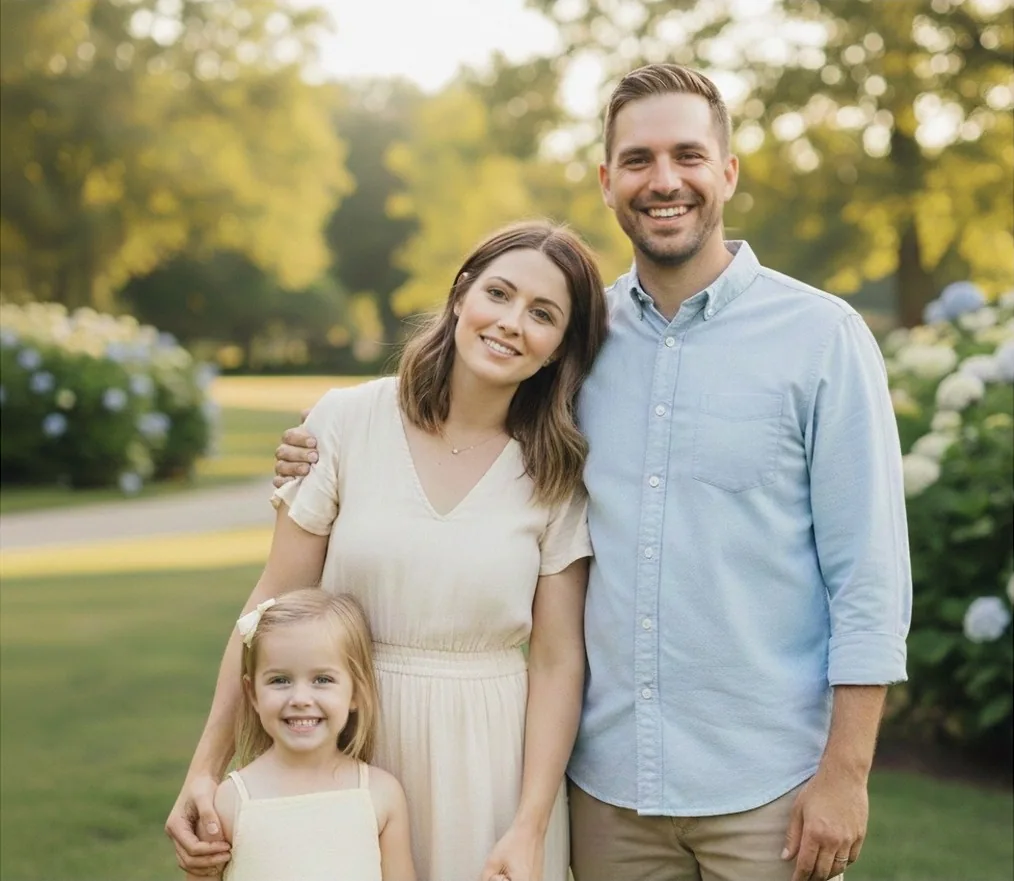
Someone blinked? Not everyone looked at the camera? Upload a few photos of the same moment and combine the best frame for every face into one photo — every face comes from one of your own shots, never AI-generated.
Start Creating →Original shots
Mom blink
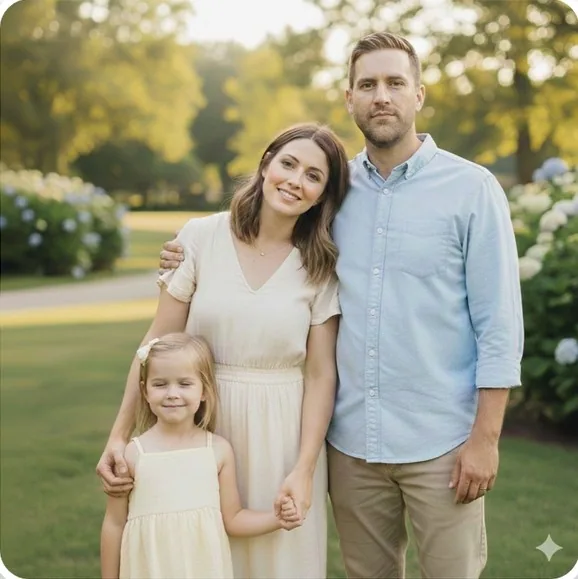
Child blink
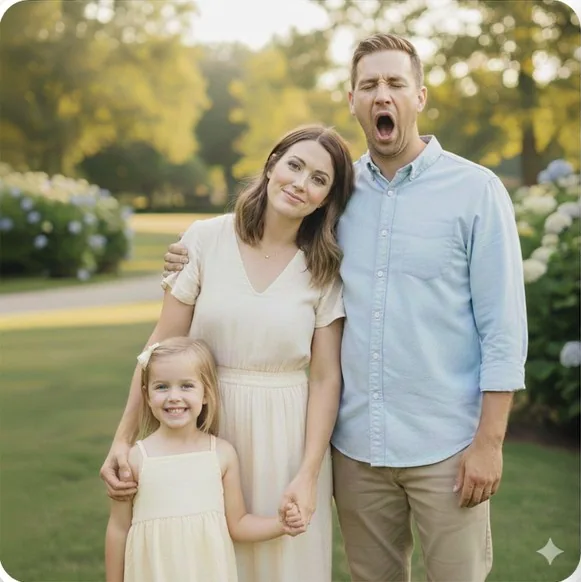
Dad yawn
Finished photo
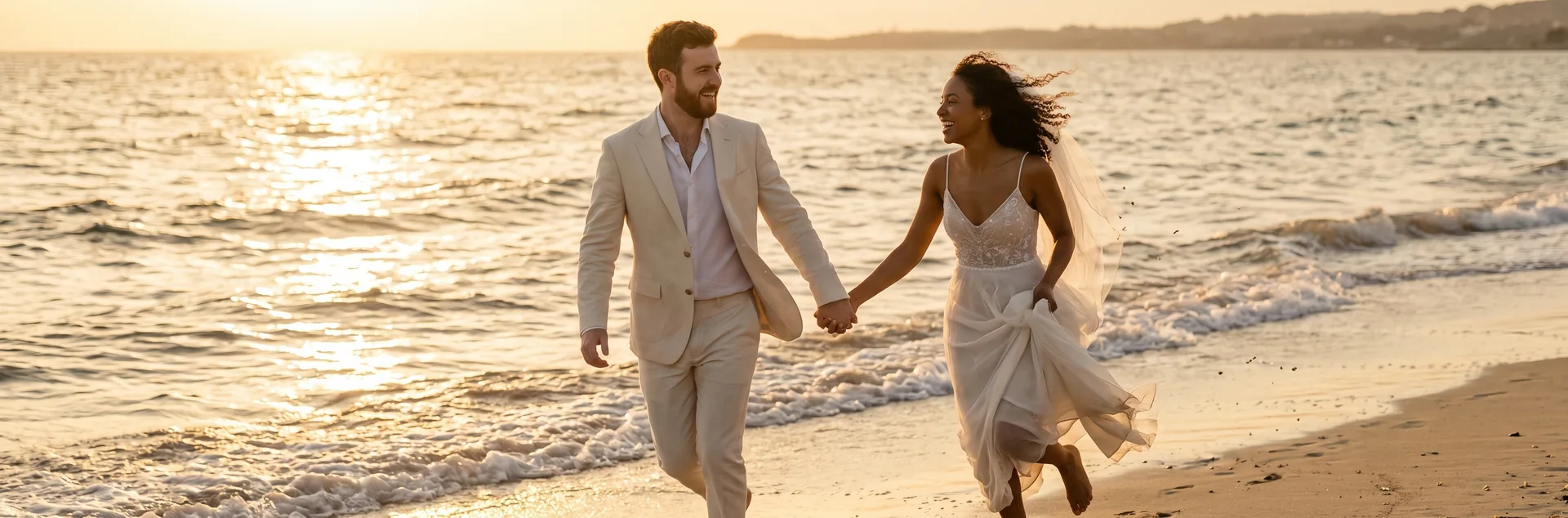
Original shots


Finished photo
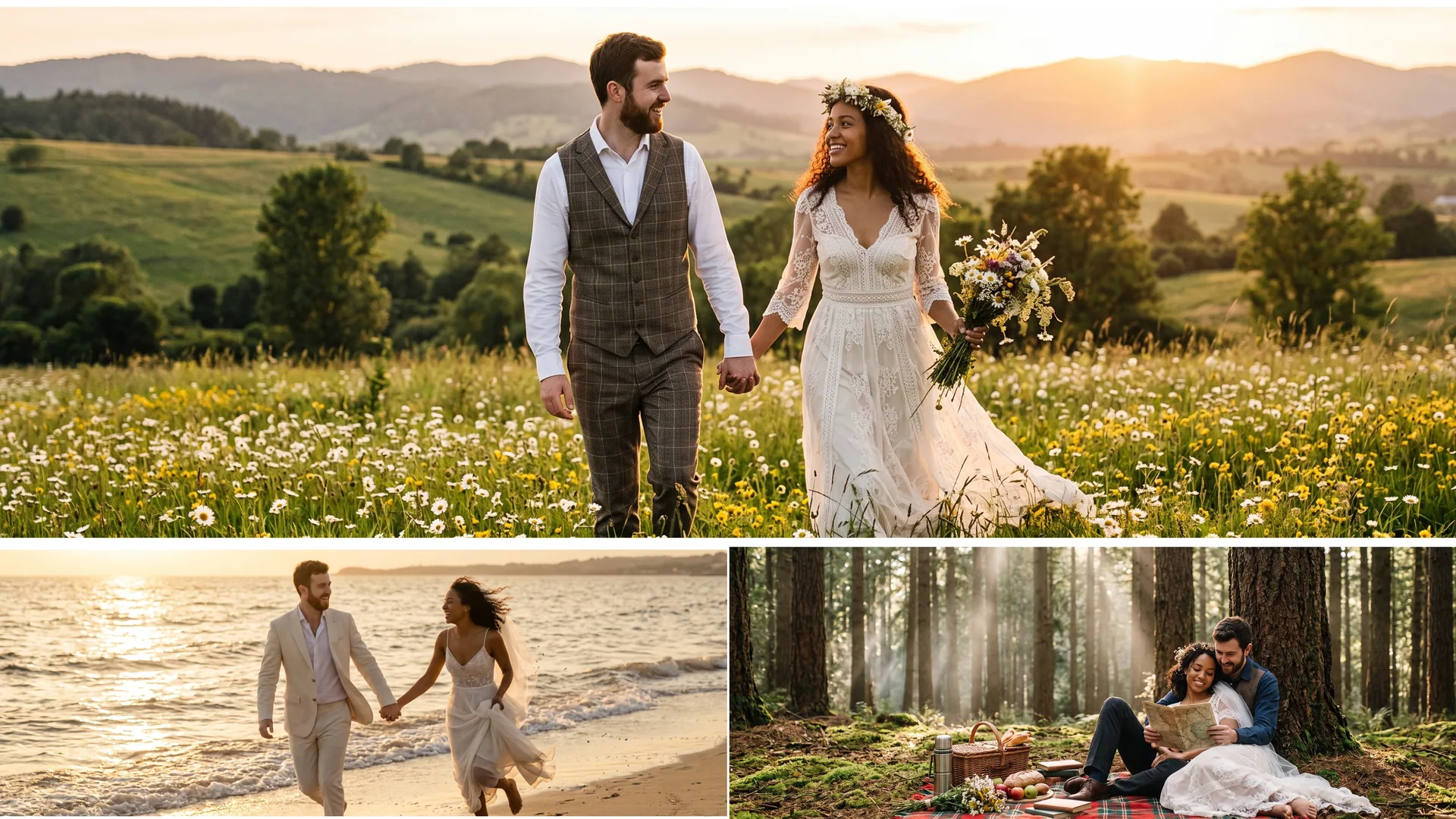
The source photos are AI-generated examples; the finished image is an actual collage-tool output.
Arrange 2–10 photos into one collage — free, no account required.
Need a collage instead? Arrange 2–10 photos side by side, in a grid, or in a custom layout — free, no account.
Merge two photos into one →Keep the frame you like, then add a nearby shot of the same group. The quick tool finds a real source for eligible faces and leaves uncertain ones untouched.
Open eyes in a photo →One shot has a smile you like; another has someone looking toward the camera. Choose those real expressions per person rather than settling for one frame. BestGroupShot supplies the candidates; you decide which expression works.
Choose each person's best expression →The face and eye tools align real source pixels instead of generating new facial features. Similar light and angles make a natural blend easier. The layout tool simply arranges your original photos.
Use JPEG, PNG, WebP or HEIC photos, each up to 25 MB. For expression or eye repairs, use the same people in nearby shots from similar angles. A collage can use unrelated images.
For a collage, any photos can share a layout. For face or eye repair, nearby photos of the same people work best because lighting and head angle are more consistent. The repair tools reject uncertain sources rather than inventing a replacement. Check the preview before exporting the finished group photo.
No. Face and eye repair use real pixels from photos you upload, and the collage tool only arranges your original images. Detection helps identify candidates, but does not create a new face. You choose expressions in the full editor; automatic eye repair applies only when a suitable source is found.
Two photos are enough to start a layout or try an eye repair. You can use up to ten photos in total. Extra nearby group shots provide more expression candidates, but a compatible source matters more than quantity. Anonymous face-tool uploads also have an account and IP daily quota.
No installation is required. Open the tools in a supported desktop or mobile browser and choose photos from your device. The layout tool runs locally. Face repair uses private source uploads and a protected preview. Registration is required only for an unmarked face-repair download, not for a free collage.
Collage previews and downloads are free, without registration. Face editing and eye-repair previews are also free to try, but unmarked original-size face-repair downloads require a registered account and enough credits. See the pricing page for current credit packs. A success redirect alone never grants credits or confirms a purchase.
Switch to Best Face to choose a different real expression for that person, or continue in the full group photo editor for position and blending adjustments. Other people can keep the base frame. For a blink, try the dedicated eye tool with another nearby shot of the same group.
Send your question to our support team and we will get back to you by email.
Sign in